Working print shop
Built around real production machines, real materials, and real order flow.
Find it. Download it. We print it.
Upload a model file or save free model links from the web. Direct upload is best because many model pages include multiple files, versions, sizes, and optional parts.
Best for quotes: download the correct model version first, then upload it to dedicated FILE23DPRINT storage.
Track source pages from Printables, Thingiverse, MakerWorld, Thangs, and more when you are not ready to upload yet.
Search top STL sources, open the model on the original site, then bring the exact file back for a quote.
FILE23DPRINT respects creator ownership. Customers must download or purchase files from the original source before uploading for printing.
A link can point to a page with several file choices. For the most accurate quote, download the exact file you want printed and upload that file directly.
Customers provide the file or link they have the right to use. FILE23DPRINT uses that information only to prepare and process the print quote.
Built around real production machines, real materials, and real order flow.
Upload the actual STL, 3MF, OBJ, or AMF file so the quote is based on real geometry.
Live Shippo rates include package padding and packaging weight before checkout.
Most models typically ship about 3 days after ordering. Turnaround depends on print size, model complexity, material, and current print load. Customers will be notified if a longer delay is expected.
Order approval matters: once an order enters processing or production, cancellations and refunds can no longer be processed. Please confirm the selected file, version, material, color, quantity, and print instructions before approving the order.
1
Find a free model online or use a file you already have.
2
Choose the exact file or version from the model page.
3
Drop in STL, 3MF, OBJ, STEP, STP, or AMF files for the best quote.
4
Move the project into production once the quote is ready.
Popular print services
These guides help customers understand file formats, source-site downloads, material choices, and the print settings that affect a real quote.
Print quality starts with the right file
FILE23DPRINT is built for the kinds of parts customers actually want made: functional pieces, display models, and multi-part prints that need clear settings before production.
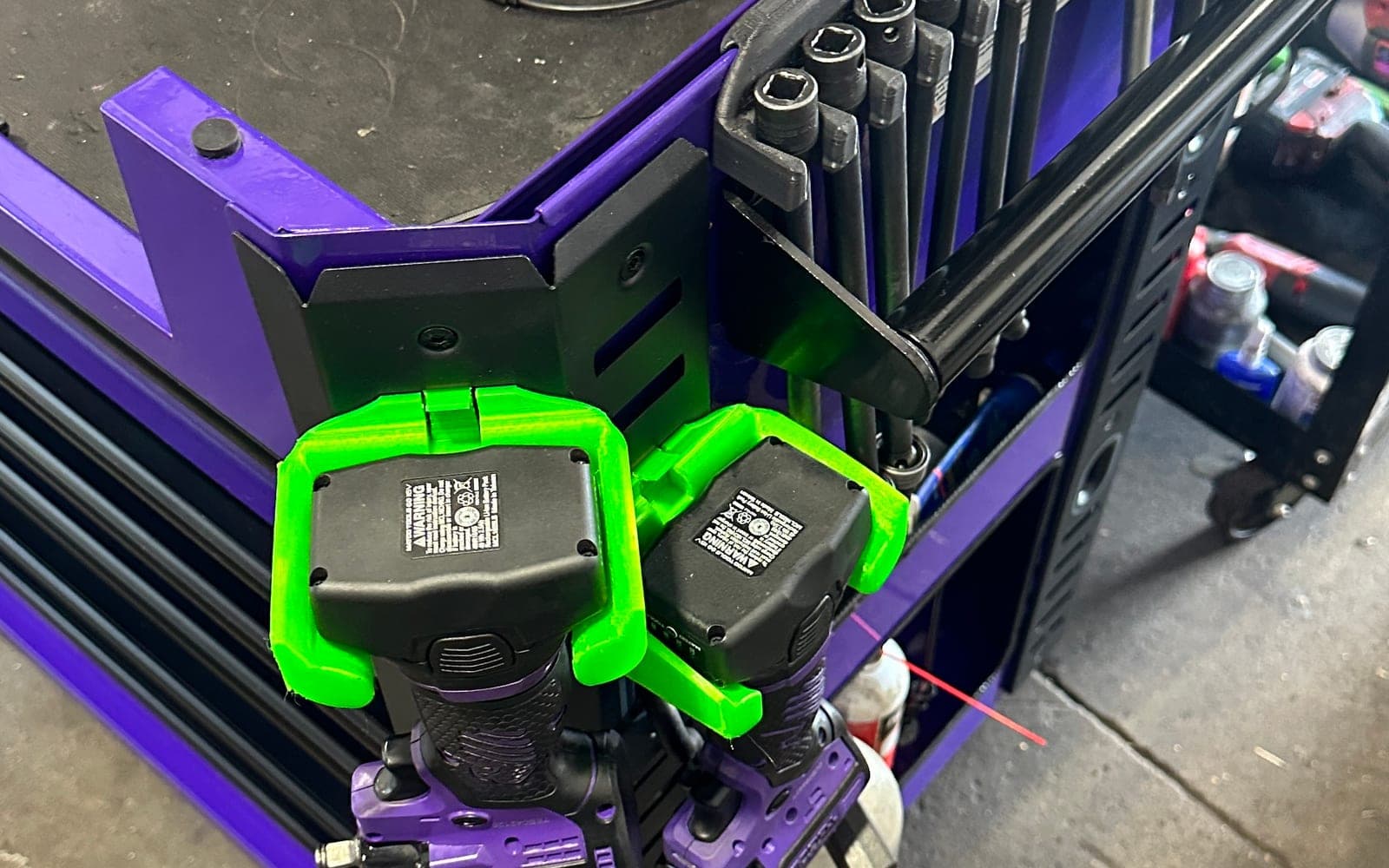
Brackets, clips, repair parts, enclosures, adapters, and other practical prints.
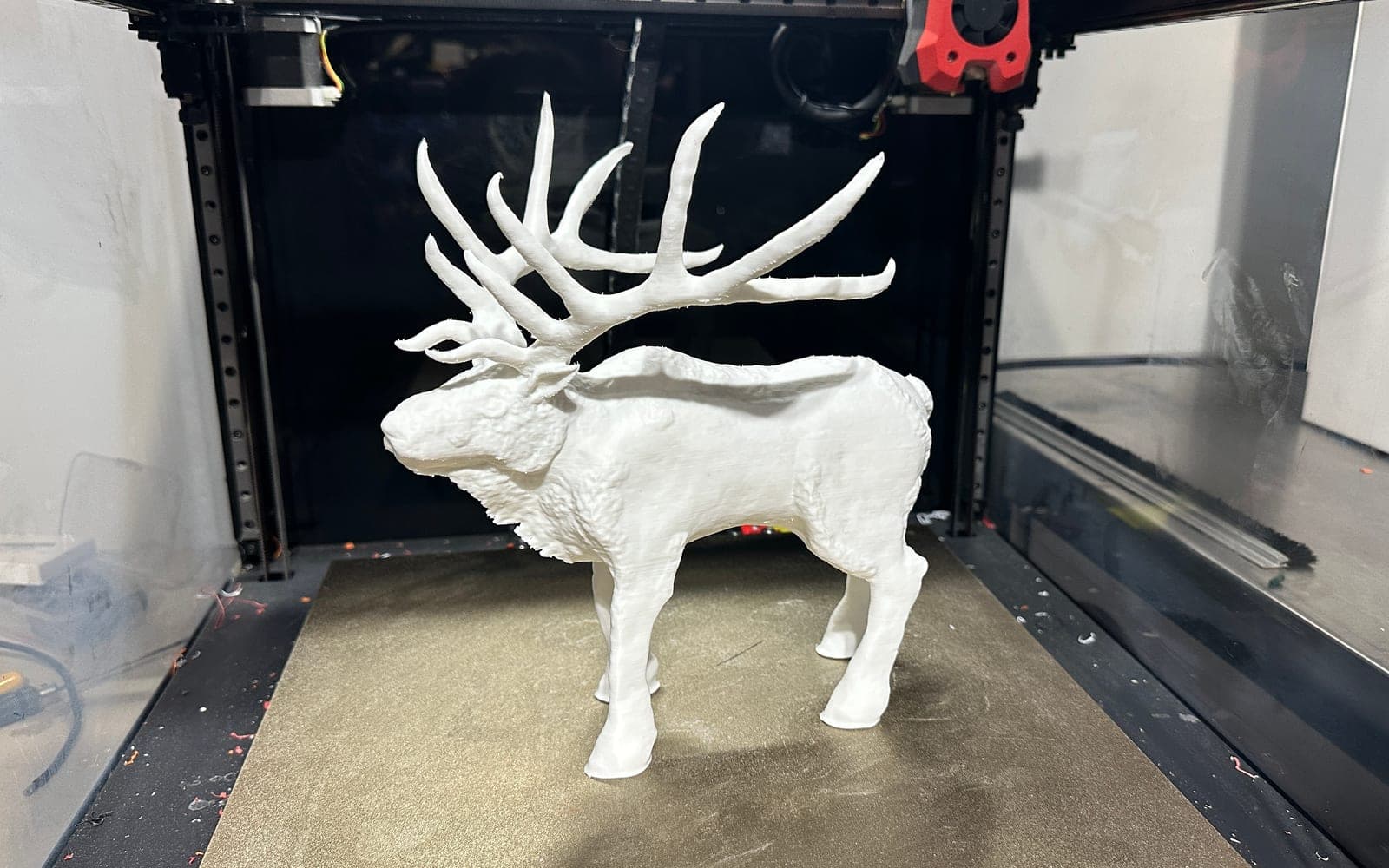
Cosplay pieces, props, miniatures, organizers, decor, and hobby models.
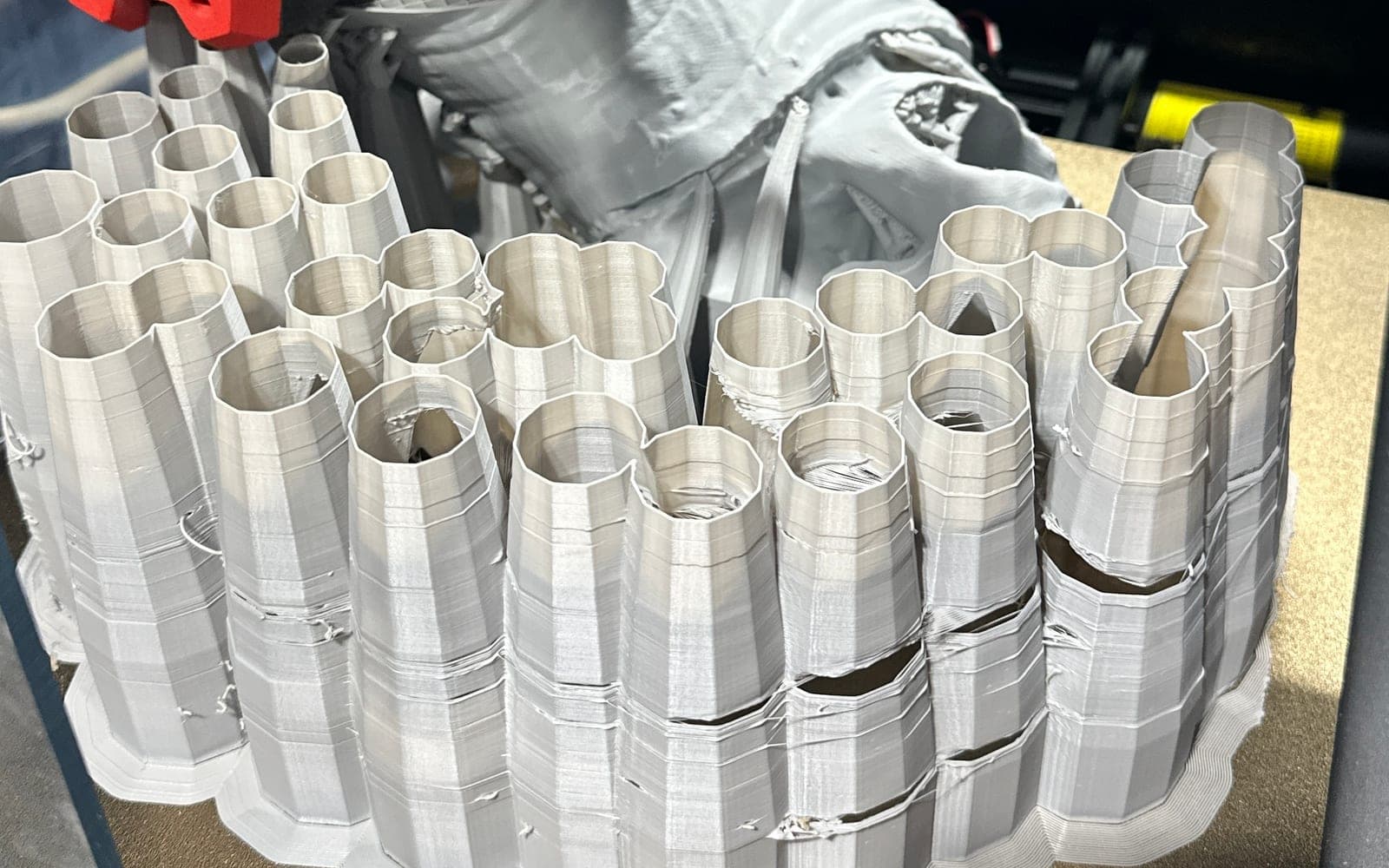
Large models and file sets can be quoted as separate parts with material and color notes.
Why customers trust it
FILE23DPRINT is built for people who find a model online and want a straightforward way to turn the exact file into a shipped print.
FILE23DPRINT is tied to real production workflows: uploaded files, material choices, shipping rates, payment review, and admin order handling.
Customers download or purchase files from the original source before uploading. FILE23DPRINT does not claim ownership of creator models.
Orders are built for shipped delivery with packaging allowance and live-rate support when available.
Print proof
See how functional parts, prop-style models, and multi-part file sets translate into material choices, print settings, and shipping expectations.
Functional replacement part
Replacement parts need fit, strength, and real-world use notes. This example shows how a practical uploaded file moves from quote review to a shipped print.
Read example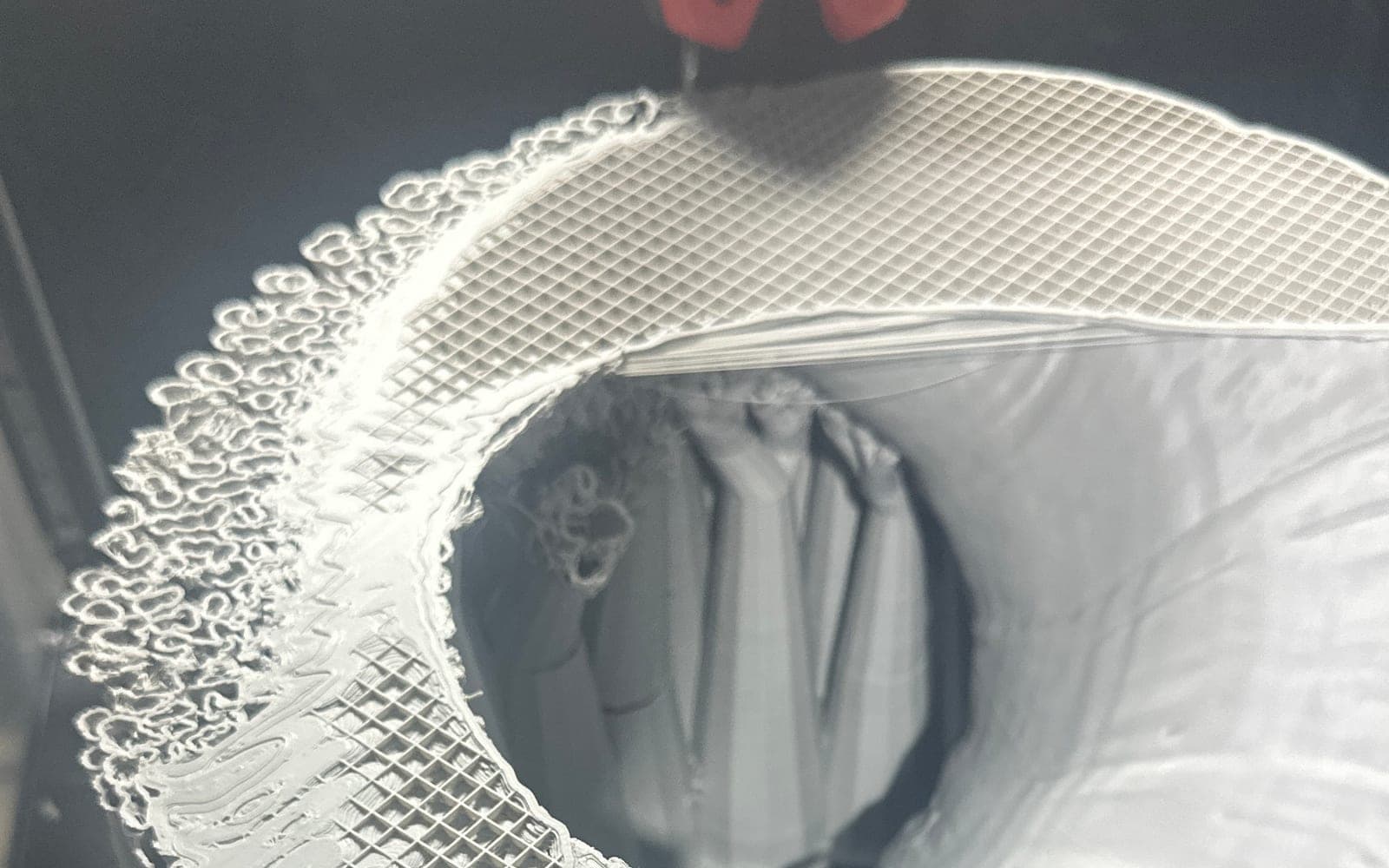
Cosplay and prop print
Cosplay and prop files often include split pieces, optional versions, and scale decisions. A clean quote starts with the exact files the customer wants printed.
Read example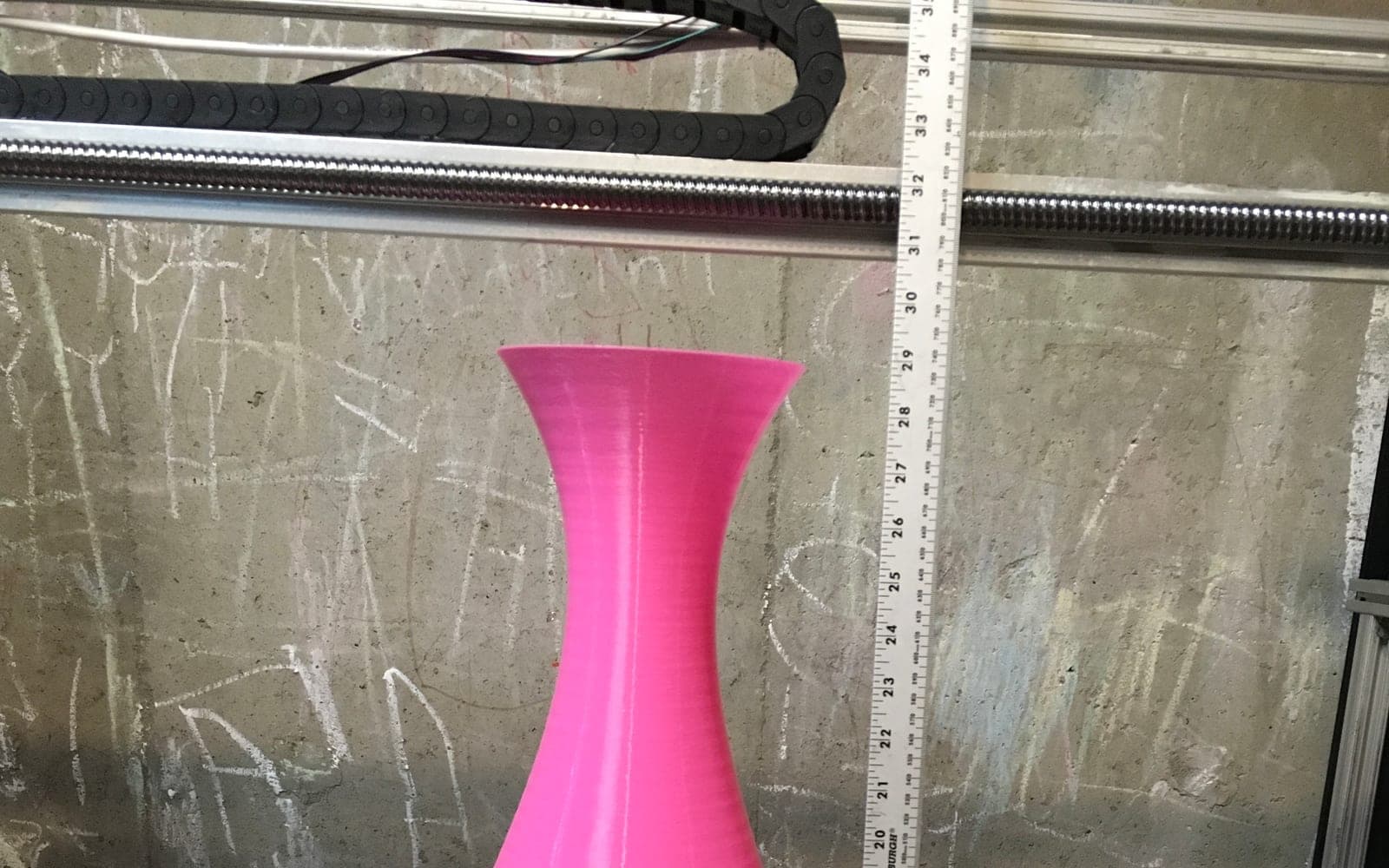
Large multi-part STL
Large file sets need clean part names, quantity notes, color choices, and shipping review. This example shows how a bigger STL project gets organized before production.
Read example